From one shoot to numbered lots
A sale comes off the camera as a folder of files named DSC_0412 and up. You don't rename them. Add them from your computer, a ZIP, Google Drive or Dropbox, up to 2,000 photos at a time.
Group with AI (beta) looks at what each photo shows and proposes the lots. It takes up to 250 photos per run, so a big shoot goes in parts. Photos it isn't sure about are left for you to place, and nothing moves until you accept.
Already shoot one folder per lot? A ZIP of those folders becomes one lot per folder, and files named lamp-1 and lamp-2 group by name. Once the lots look right, renumber them from 001. The last 20 changes can be undone.
Estimates with the evidence attached
Each lot gets a title, a description in your house style and an estimate. Research is on by default, so each lot also gets a short report: what the piece is, what similar ones sold for, and numbered links to those sales and listings. Open them and decide how close each match is. The links aren't checked again after the draft is written.
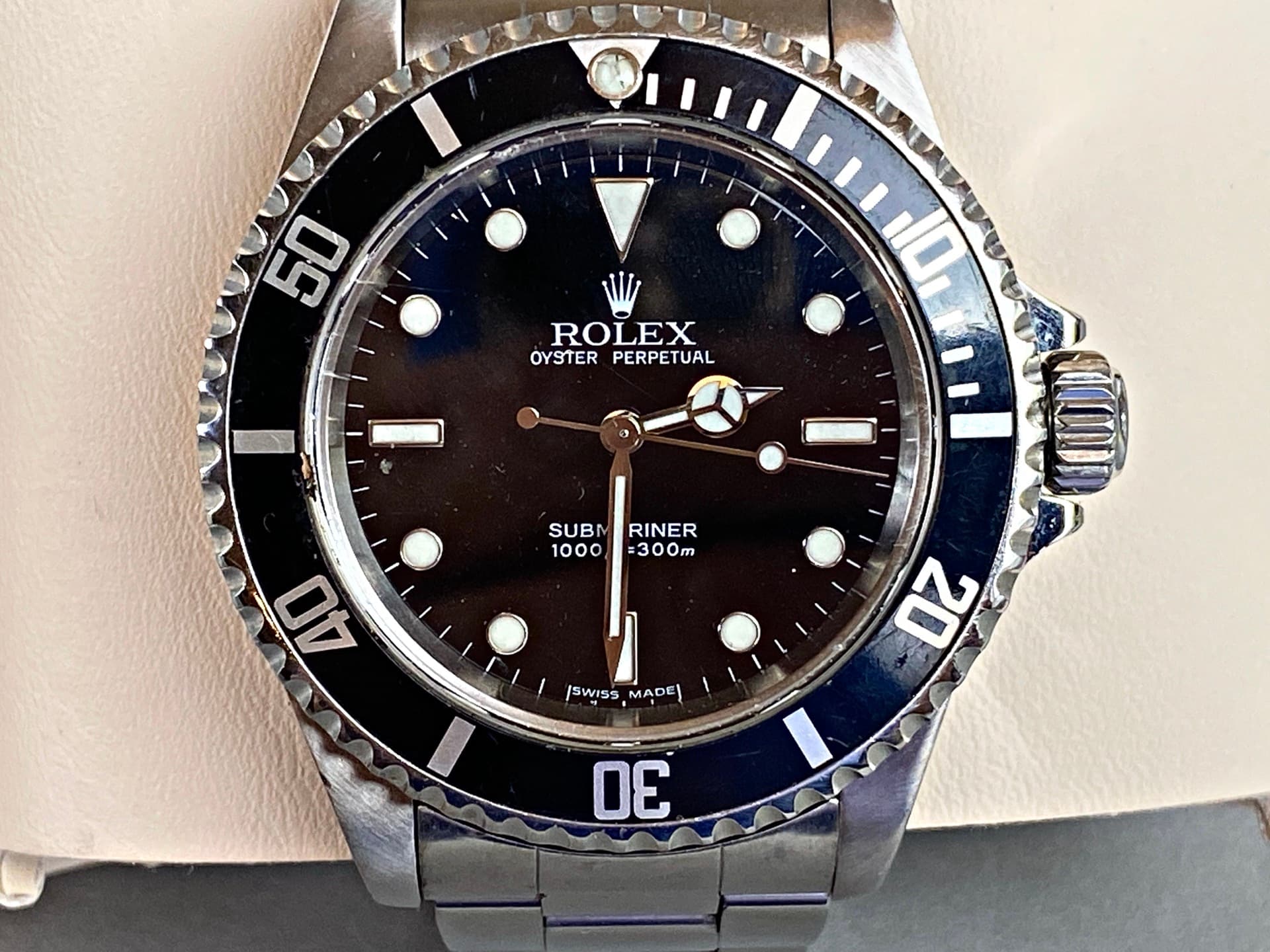
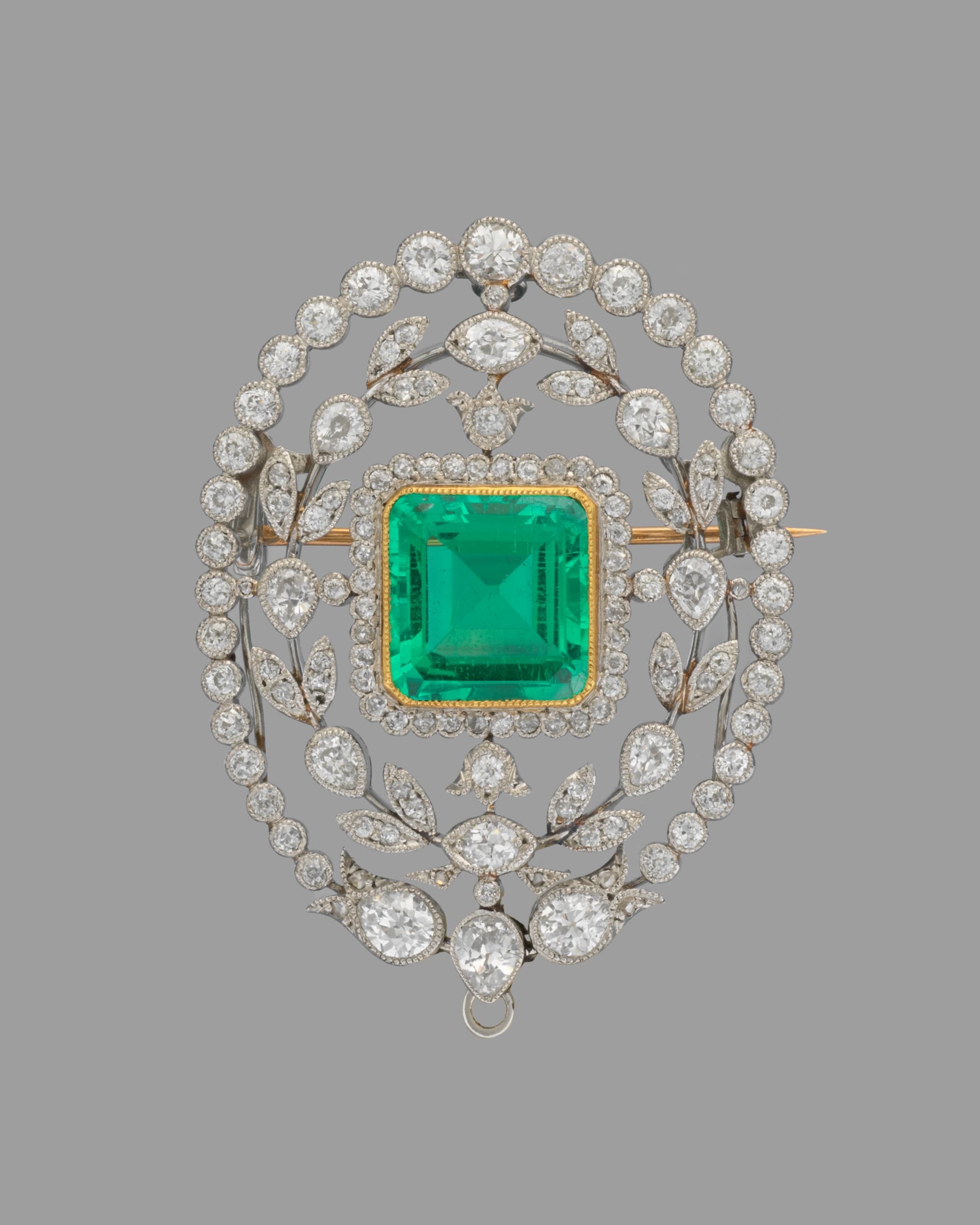
When something about a piece is open, the draft says so. The sample Rolex below has two ranges, one for the watch alone and one if the box and papers turn up. The brooch is written up as possibly Tiffany & Co., because it is unmarked. A field the research is unsure of is marked Check this, so you know where to look first.
Starting bids and reserves follow your rule
Cataloger never picks a starting bid or a reserve. You set a house rule once, such as half the low estimate rounded down to the nearest $50, and the export fills both columns from it. A starting bid can be up to 100% of the low estimate and a reserve up to 200%.
The file your platform takes
Download the import file for LiveAuctioneers, HiBid (through Auction Flex 360), Wavebid, Invaluable or Proxibid (beta). Before the download, every row is checked against that platform's rules. A problem that would get a row rejected, like a missing estimate or a LiveAuctioneers title over 100 characters, blocks the download until it's fixed. Warnings don't. Click any issue to jump to the cell.
LiveAuctioneers reads photo links straight from the file. For the other platforms, download the photos as a ZIP with each file named by its lot, such as 12-1.jpg.
What a sale costs
One credit drafts one lot, research included, and failed lots are refunded. Pro is $50 a month for 400 credits, enough for a 300-lot sale. New accounts start with 15 free credits and no card.
Why I built it
My mother is an auctioneer, and her team used to write every lot description by hand. Cataloger started as the scripts I wrote to draft those descriptions in batches. The rest of the story is on the about page.
Questions
- Does it write condition notes? Only if you turn them on. Condition is off by default, since photos miss things a handler would notice.
- Can my staff share an account? Today an account belongs to one person. There are no team seats yet.
- Is the estimate an appraisal? No. It is an indication drawn from the research, for you to check. The research report is a starting point, not proof of provenance.